
Download Hair Pro – Hairstyle, Hair Color, Photo Editing, Virtual Try-On, Hair Styling
Overview
Hair Pro is a mobile application designed to help users explore new hairstyles, colors, and lengths without committing to a physical change. The app serves as a virtual styling tool that allows individuals to visualize how different looks would appear on their face using their own photos. This functionality is particularly useful for those considering a bold transformation but seeking to minimize risk before visiting a salon. The app caters to a wide audience, including fashion-forward individuals, people preparing for special events, and anyone interested in experimenting with their appearance in a safe, reversible way.
By enabling users to upload personal photos and apply a variety of digital hairstyles, Hair Pro bridges the gap between imagination and reality. It supports real-world use cases such as pre-consultation with hairstylists, decision-making for weddings or photo shoots, and casual self-expression. The app is positioned as a utility within the productivity category, emphasizing its practical function in personal grooming and image planning. While the developer, Hair Pro, has not provided detailed background information, the app’s longevity since its release in 2013 suggests a stable presence in the mobile space. Its continued availability as a free tool underscores its value as an accessible digital styling assistant.
Key Features & Functionality
- User-Friendly Photo Import: The app allows users to upload photos from their device’s camera roll, webcam, or scanner. This straightforward integration enables quick access to personal images, ensuring a personalized experience without complex setup.
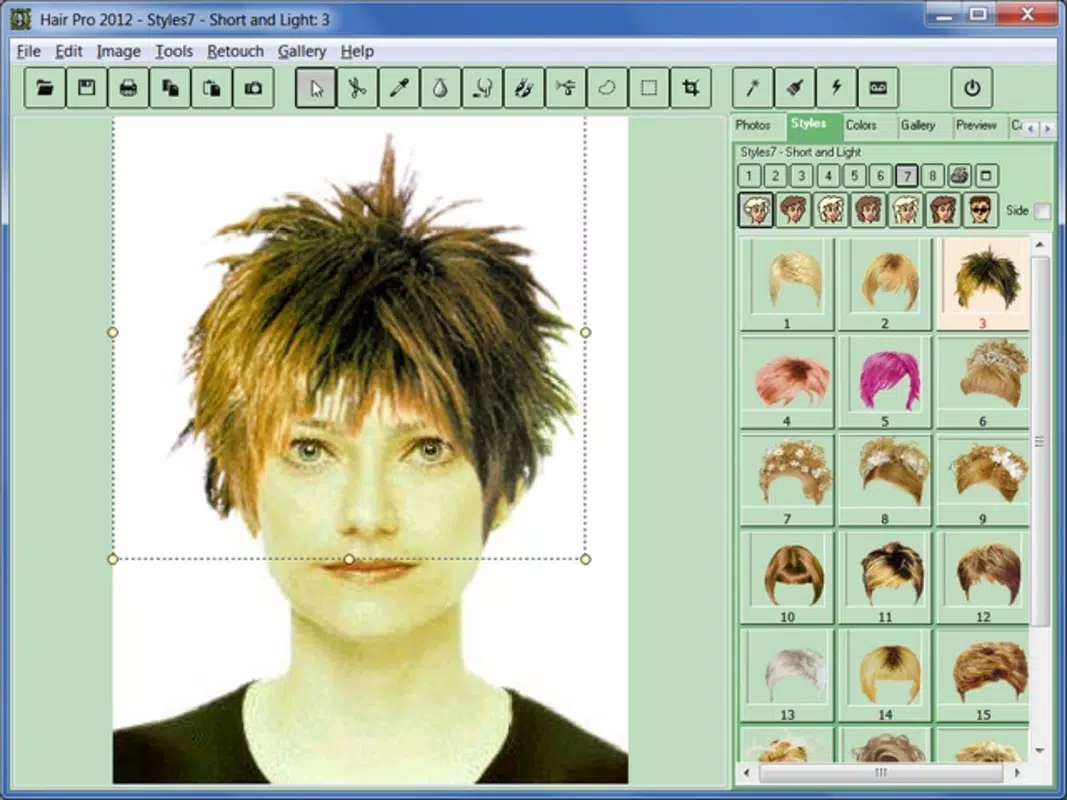
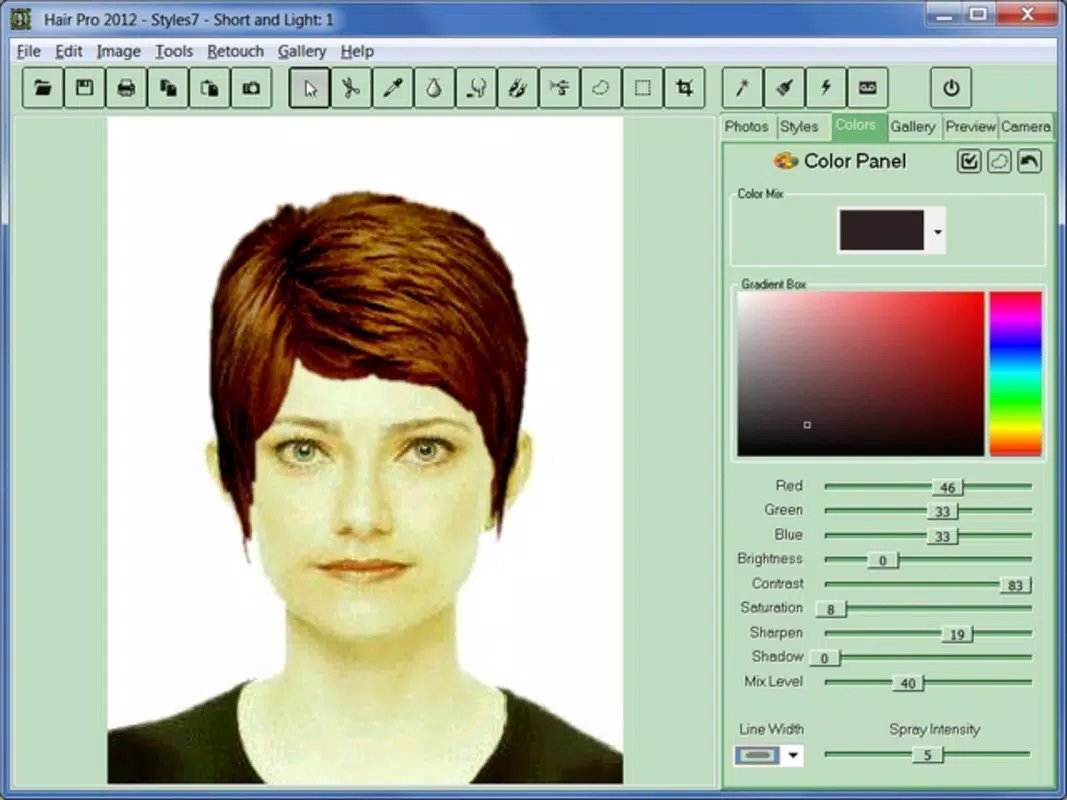
- Diverse Hairstyle Collection: Hair Pro offers a broad selection of styles, lengths, and hair colors. Whether users are interested in short bobs, long waves, or vibrant hues, the app supports a wide range of visual options to match individual preferences.
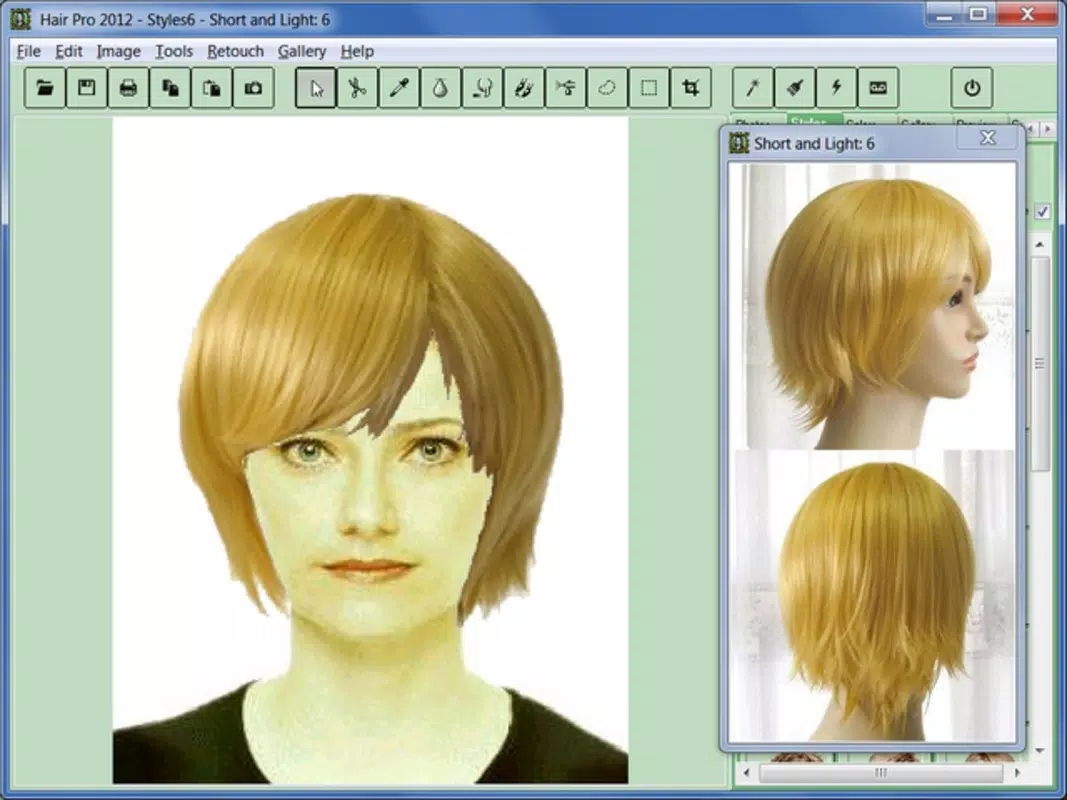
- Customizable Visual Adjustments: After applying a hairstyle, users can tweak the fit, angle, and texture to better align with their facial structure and desired aesthetic. This level of control enhances the realism of the virtual try-on.
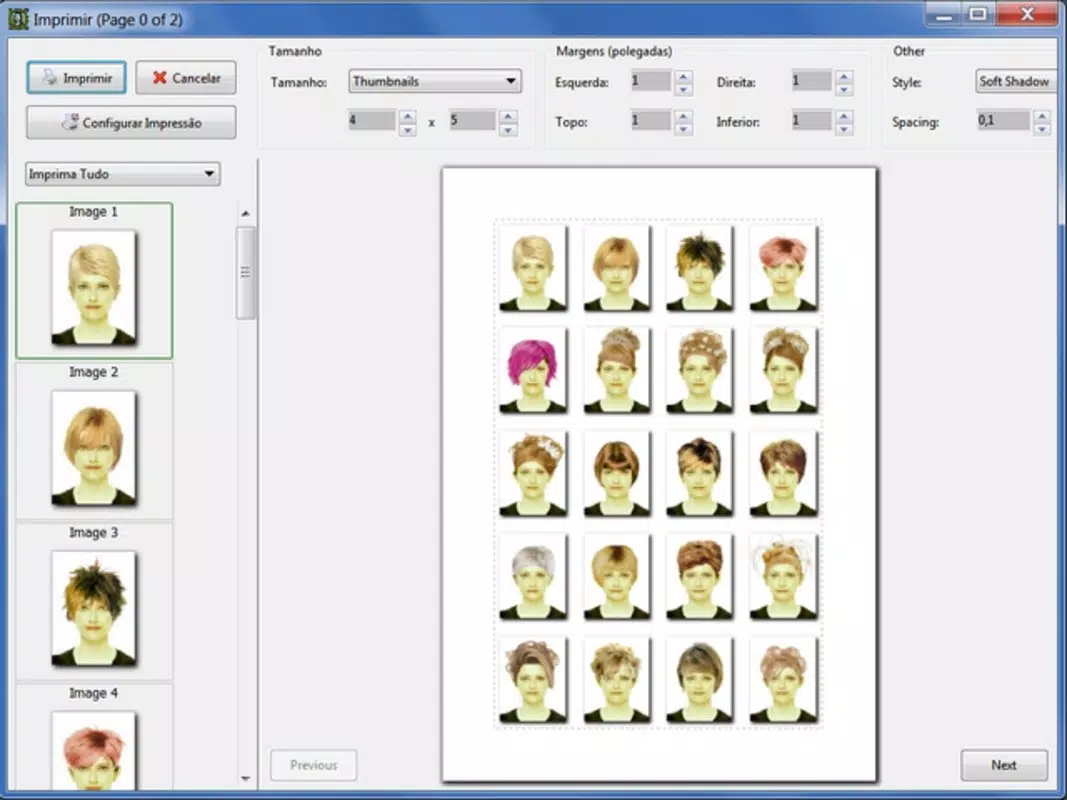
- Multi-Page Photo Album: Users can compile multiple styled images into a digital album. This feature facilitates side-by-side comparisons and allows for easy sharing with friends or professionals, such as hairstylists, during consultations.
- Risk-Free Experimentation: The core benefit of the app lies in its ability to simulate changes without real-world consequences. It empowers users to test bold looks with confidence, reducing decision anxiety and enhancing self-expression.
Practical Use Cases
For example, someone preparing for a wedding can use Hair Pro to test several updos and color combinations before deciding on a final look. A user considering a drastic change can compare short and long styles side by side, adjusting lighting and angles for accuracy. The photo album feature also supports collaborative decision-making, enabling users to gather feedback from others or bring printed versions to salon appointments.
Interface, UX & Performance
Hair Pro features a clean, intuitive interface designed to guide users through the hairstyle exploration process. The layout prioritizes simplicity, with clearly labeled options for photo upload, style selection, and album management. Navigation is linear and consistent, minimizing user confusion. The visual style is minimalistic, focusing attention on the image transformation rather than distracting design elements.
Although the developer did not list formal performance metrics, the app’s lightweight size of 4.7M suggests efficient resource usage. It is expected to run smoothly on a range of Android devices, including entry-level models. Responsiveness appears to be adequate, with quick loading times for image processing and style application. Stability is maintained through straightforward functionality, with no reported issues related to crashes or freezes in the provided data.
Platform Compatibility & Technical Requirements
Hair Pro is available on the Android platform. The current version is 1.2, and the app’s file size is 4.7M, indicating a compact footprint suitable for devices with limited storage. The developer did not specify minimum OS requirements or device compatibility details. However, given its release date in 2013 and continued availability, it is likely compatible with a broad range of Android versions, including older ones.
Users should ensure their device meets general Android standards for image processing and camera access. Specific hardware or software prerequisites were not disclosed. It is recommended to check device compatibility through official app store listings before installation.
Pros and Cons
- Free to download and use, making it accessible to a wide audience
- Simple, intuitive interface with minimal learning curve
- Supports risk-free experimentation with hairstyles and colors
- Allows creation of a personalized photo album for comparison and sharing
- Lightweight size (4.7M) ensures minimal storage impact
- Developer did not provide detailed technical specifications or OS requirements
- No information on update frequency or future development plans
- Platform availability limited to Android; no iOS version confirmed
- Limited customization beyond basic style and color selection
- App size and version suggest it may not support modern device features
FAQ
Is Hair Pro safe to download and install?
Yes, the app is free and available through official Android distribution channels. It does not require special permissions beyond camera and storage access, which are necessary for photo import and album creation.
Can I use Hair Pro on iOS devices?
The developer has not confirmed iOS compatibility. The app is currently available only on Android.
How do I update Hair Pro?
Updates are typically delivered through the Google Play Store. Users should ensure their device is connected to the internet and check for updates in the app store.
Does Hair Pro require an internet connection?
No, the app functions offline after installation. All image processing and styling occur locally on the device.
Can I share my styled photos with others?
Yes, users can save styled images to their device and share them via messaging apps, social media, or print them for physical sharing.
Final Thoughts
Hair Pro remains a relevant and practical tool for anyone exploring new hairstyles in a low-risk environment. Its core functionality—virtual try-on, photo editing, and style visualization—serves a clear purpose in personal grooming and decision-making. While the app lacks modern enhancements such as AI-powered styling or real-time video try-ons, its simplicity and focus on usability make it a reliable choice for basic styling experimentation.
It is particularly beneficial for users who value convenience, privacy, and cost-effectiveness. The ability to create a visual portfolio of potential looks adds tangible value, especially when consulting with professionals. Despite its age and limited technical details, Hair Pro continues to deliver on its promise as a utility-focused mobile app.
Download Hair Pro now


